
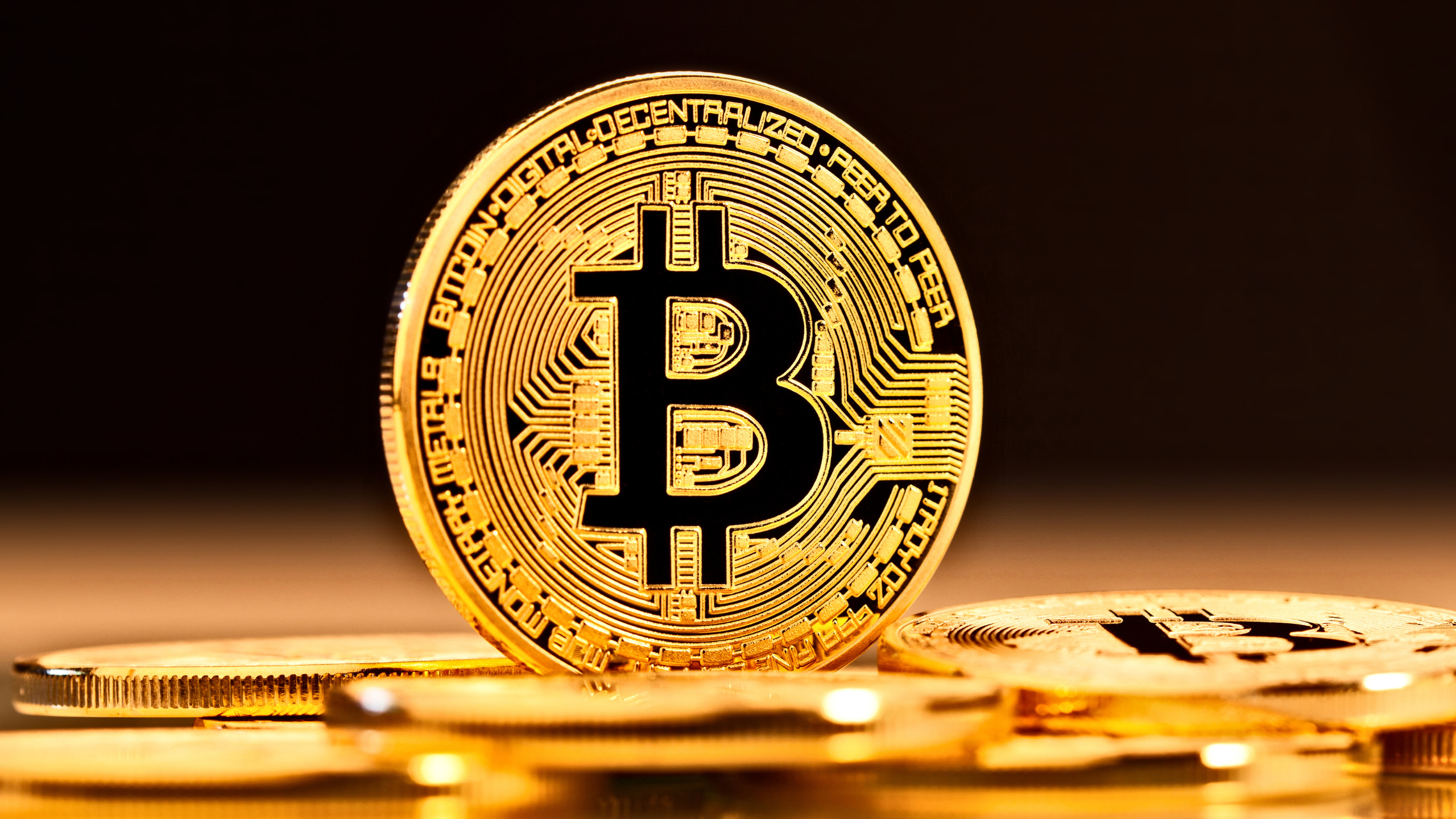
The world of money is changing, and most people don’t even see it coming.
Banks fail. Currencies inflate. Governments print (and print and print) trillions out of thin air. Meanwhile, Bitcoin just keeps running—24/7, borderless, transparent, and secure.
Owning Bitcoin isn’t just about getting some “digital money”; it’s about taking control of your future.
I look at Bitcoin like prime digital real estate. It’s scarce, in high demand, and it appreciates over time. Unlike cash or stocks that can get crushed by inflation, market swings, or politics, Bitcoin runs on its own rules—tamper-resistant, secure, and built for the long haul.
Here are 5 Reasons to Own Bitcoin:
- Hedge Against Inflation – Only 21M coins exist. There will never be any more, It’s “digital gold.”
- Decentralized & Secure – Tamper-resistant, no banks or governments or central entities control it.
- Store of Value – Scarce, with growing institutional adoption.
- Financial Freedom – Protects you from bank failures and government risk.
- Early Stage Opportunity – Still early in global adoption with 24/7 liquidity.
Bitcoin is freedom, security, and upside all in one asset.
If you’ve been watching from the sidelines, now’s the time to start. There is alot of buzz building around Bitcoin, and I’m often getting asked where and how I got mine so I put together this quick section below on how to buy Bitcoin.
When you are getting started with Bitcoin there are a few simple steps to complete (Affiliate links and more detail down below)…
Overview:
Step 1: Get a Bitcoin Wallet, I use Coinbase
Step 2: You then can buy Bitcoin with your local currency (ie: US Dollars) and transfer it into your Bitcoin wallet
Step 3: Use your Bitcoin wallet to send, receive, and store your Bitcoins
That’s it, getting started is that simple.
If you need some more general/basic info on Bitcoin, take a look at the “Bitcoin White Paper Here“
If you’re ready to get started buying some bitcoin, follow these steps:
Step 1: Get a Bitcoin Wallet
A Bitcoin wallet is an app or software program that allows you send and receive bitcoin. The one I use and recommend is CoinBase (Use This Referral Link For $30 in Free Bitcoin), they make it easy to convert your local currency into and out of bitcoin.
Coinbase has a great website and mobile app. It’s very user friendly and perfect for getting started.
To set up your Coinbase accoint, click here.
Your Coinbase wallet will keep track of your bitcoin balance (which is held in one or more bitcoin addresses). They also have a feature that keeps a history of all your bitcoin transactions so you can easily keep track of everything.
Step 2: Buy Bitcoin with local currency and add it to your wallet
Once you have activated your Coinbase wallet you’ll need to complete some verification steps before you can use the account.
They will ask for alot of personal information because they take security VERY serious and want to make sure your account is always safe.
Once the verification steps are complete and your Coinbase wallet is all set up, you can start a purchase and add some bitcoin.
After starting your first purchase, the Coinbase exchange will complete your buy and deliver your bitcoin. (Sells work the same way but in reverse). The price of bitcoin changes constantly, so they will show you the current exchange rate before you buy.
Note: You can also use Coinbase to buy other cryptocurrencies like Etherium, Solana, and hundereds of others.
Step 3: Use your Bitcoin wallet to send, receive, and store your Bitcoins
Now that your wallet is all set up and you have some Bitcoin, you can start transacting…
Receiving Bitcoin: Receiving Bitcoin is as easy as giving the sender your public address. Simply give them your address or let them scan your QR code and they can send you money.
Sending bitcoin: Overall, the process for sending bitcoin is actually quite easy. Remember since bitcoin transactions are irreversible, it is important to pay attention when sending.
Step 1: Copy the receiver’s public Bitcoin address (or scan QR code)
Step 2: Open your wallet and navigate to its “Send” feature, paste the receiver’s address into the appropriate field
Step 3: Specify the amount you want to send (for help converting fiat currency into bitcoin visit our Bitcoin Tools page.)
Step 4: Confirm that the address and amount are both correct
Step 5: Send it
Bitcoin is accepted by thousands of individuals, websites, and brick-and-mortar businesses around the world.
That’s it! Now you’re in the Bitcoin game.
I hope you found this useful, if you have any questions contact me.